

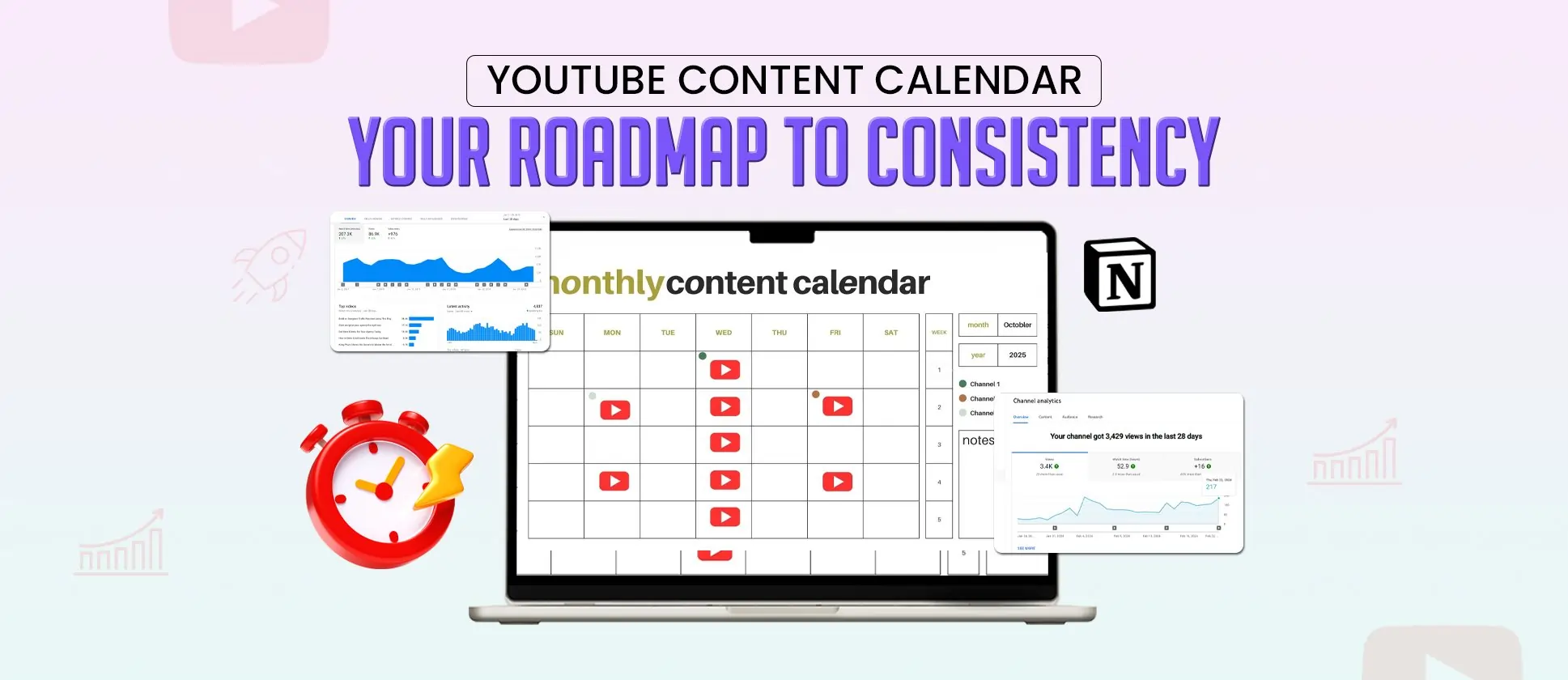
Quick Summary
TL;DR: Inconsistent uploading is silently killing YouTube channels that could be winning and a strategic content calendar is the fix most creators ignore until it’s too late. This guide breaks down exactly how to build a YouTube content calendar that keeps your channel consistent, algorithm-favored, and growing. And when execution becomes the bottleneck, ShortVids handles your entire video production workflow, so your calendar stays full and your channel keeps growing. #tldr
- Core Focus: Goal setting and audience clarity → Posting frequency and format mix → Content ideation and trend research → Key date mapping → Tool selection → Team workflow → Publishing optimization → Analytics-driven iteration → ShortVids production support.
- Outcome: Channels that run a structured content calendar post more consistently, earn stronger algorithmic support, build audience trust faster, and scale without the burnout that kills most creator growth journeys before they gain real momentum.
Stop Uploading Randomly; Build a System That Grows Your Channel!
Every video you upload without a strategy behind it is a missed opportunity and YouTube’s algorithm notices. Irregular uploads confuse subscribers, reduce algorithmic support, and create the feast-or-famine view cycle that keeps channels stuck at the same size for months. The creators and brands growing fastest on YouTube in 2026 aren’t more talented. They’re more organized.
A YouTube content calendar isn’t just a scheduling tool. For brands, it connects video production directly to product launches, marketing campaigns, and seasonal trends. For creators, it eliminates the last-minute scramble that produces average content when your best ideas deserve better execution.
According to YouTube’s own Creator Academy, channels that upload on a regular schedule see stronger audience retention and algorithmic support compared to those that post at random intervals. And according to Think with Google, 90% of people discover new products or brands through YouTube, meaning every missed upload is a missed discovery moment.
A calendar ensures that every upload has a purpose, whether you’re publishing Shorts for engagement or long-form tutorials designed to rank higher on YouTube.
ShortVids helps brands and creators build and execute content calendars that keep channels growing consistently without the production chaos that derails most strategies before they gain traction.
This guide explores how a content calendar helps teams work together better, makes planning easier, and keeps you focused on your growth goals. Instead of rushing for last-minute ideas, you’ll always know what to expect next and why it is important.
Why Most YouTube Channels Stay Stuck and What a Content Calendar Actually Fixes?
At its core, a YouTube Content Calendar is simply a planning system that keeps your channel organized. Instead of scrambling for ideas at the last minute, you have a clear roadmap showing what videos are coming up, when they’ll be published, and how they fit into your bigger goals. Think of it as a guide that makes creating content feel less overwhelming and a lot more intentional.
A solid calendar usually includes a few key pieces.
- Content ideas so you’re never stuck staring at a blank page
- Formats like Shorts, tutorials, vlogs, reviews, or livestreams to keep your channel balanced
- Publishing dates that help you stay consistent with uploads
- Collaboration details if you’re working with editors, designers, or guest speakers
- Promotion strategy so your videos get seen beyond YouTube itself
This system is awesome because it works for everyone. If you’re a solo creator, it helps you keep on track. If you’re part of a content creation team, it makes working together easier since everyone knows what they need to do and when. In both cases, a calendar turns video creation into a repeatable process instead of a guessing game.
Benefits of a YouTube Content Calendar
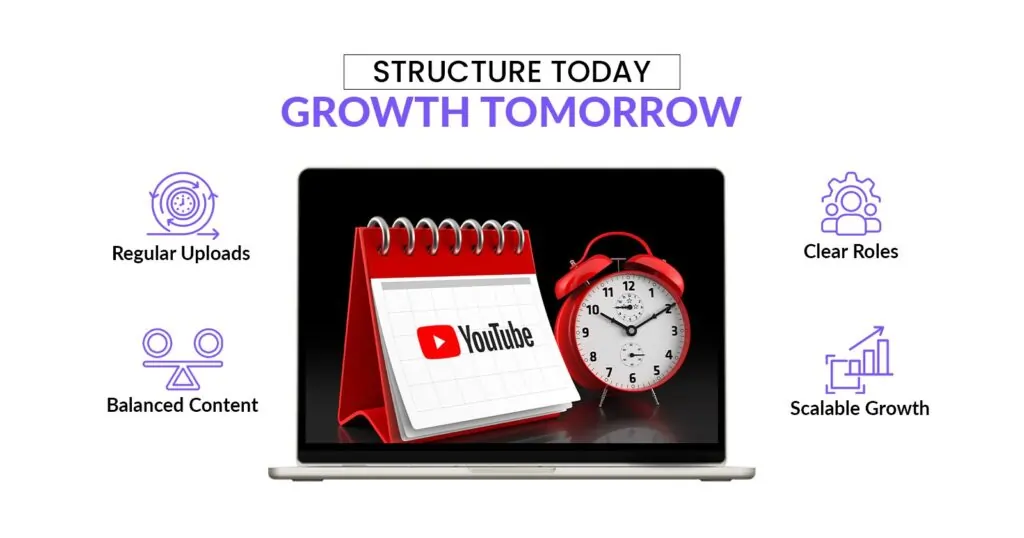
Many creators struggle to maintain a regular upload schedule. If videos are uploaded irregularly, viewers may lose trust, and YouTube’s algorithm might not support unpredictable channels. A good way to solve this problem is to use a YouTube content calendar. This tool creates a clear schedule for your uploads, allowing your audience to know when to expect new videos.
Another major advantage is collaboration. If you’re working with scriptwriters, editors, designers, or a publishing team, a calendar keeps everyone aligned. Instead of last-minute confusion, each person knows their role and deadline.
It also helps you bring variety to your channel. Without a plan, you might default to the same format over and over. A calendar makes it easier to balance Shorts, tutorials, reviews, or live streams so your content stays fresh.
From a business perspective, a calendar ensures your videos line up with launches, seasonal events, or campaigns. When you tie your calendar to YouTube Analytics, you can make smarter choices about what to create next, based on real data.
Here’s a quick look at how a content calendar compares to random posting.
| Aspect | –Random Posting | Content Calendar Approach |
|---|---|---|
| Consistency | Irregular uploads | Regular, predictable publishing |
| Collaboration | Disorganized handoffs | Clear roles & deadlines |
| Content Variety | Risk of repetition | Balanced formats & topics |
| Growth Potential | Slow & unpredictable | Scalable with audience insights |
Let ShortVids Keep Your Content Calendar Running at Full Capacity!
How to Build a YouTube Content Calendar That Actually Drives Channel Growth
A YouTube content calendar helps guide your channel’s direction. A content calendar helps you plan your new videos in advance. This way, you won’t have to rush for ideas the night before a video is due. It helps you maintain consistency and deliver the kinds of videos your viewers genuinely look forward to watching. With this structure, it becomes easier to get YouTube views and grow your channel steadily over time.
Planning also aligns with what industry research shows. According to Think with Google, 90% of people say they discover new products or brands through YouTube. That means if you treat your publishing schedule seriously, you’re building visibility and trust.
Let’s walk through the steps to create a calendar that works for you.
Step 1 – Define Goals and Audience Before You Plan a Single Video
Before you start filling in dates, it’s important to know what you’re aiming for. Not every channel has the same objective, so your calendar should reflect your bigger picture.
Here are some common goals.
- Entertainment – Keeping viewers engaged with fun, binge-worthy content.
- Education – Sharing tutorials, how-tos, or explainer videos.
- Marketing – Supporting a brand or product launch with consistent video promotion.
- Sales enablement – Creating videos that help move prospects closer to a purchase.
Just as important is understanding your audience. Spend time looking at demographics such as age, location, and interests inside YouTube Analytics. Consider their pain points, what they struggle with, and how your videos can address those issues. Knowing your audience helps you create a personalized calendar.
Step 2: Choose a Posting Frequency You Can Actually Sustain
When planning your channel, the first thing to decide is how often you will post. Some creators like to upload daily, while others find it easier to post once a week. What matters most is not how frequently you publish, but whether you can stick to your schedule over time. If you set a pace that works for you, your audience will quickly learn when to check in for new videos.
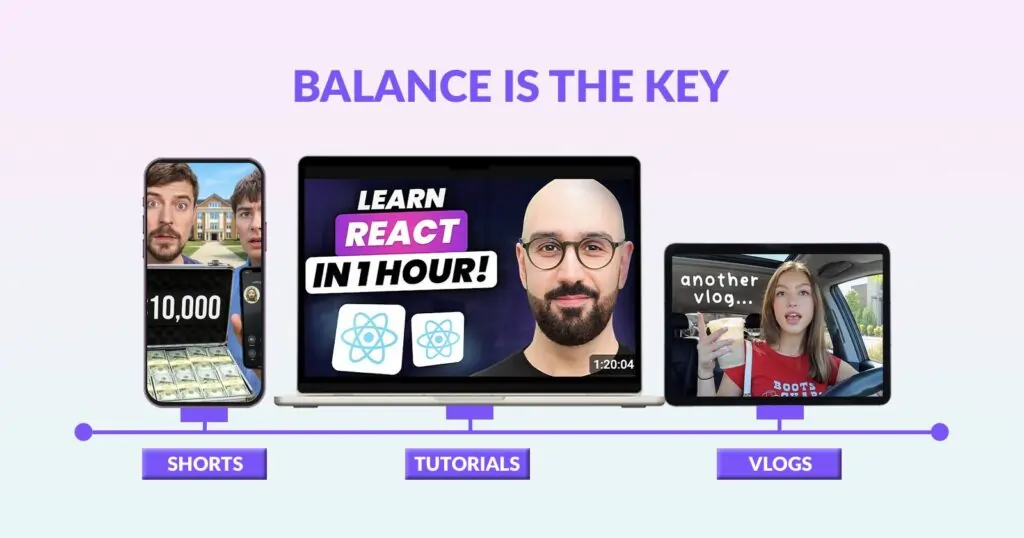
The next thing to think about is variety. Sticking to just one type of video can make your channel feel repetitive. Mixing formats, long-form or short-form videos, keeps things fresh and gives your viewers more ways to connect with what you share. Here are a few options you might want to include in your calendar.
- Shorts – They are quick hits that grab attention fast
- Tutorials – Provide step-by-step guides that teach something useful
- Reviews – Take honest takes on products, tools, or services from the audience
- Vlogs – Detailed story engages your audience with you and your product
- Interviews – Do chats with guests who bring new voices and ideas
- Livestreams – Hold real-time sessions where you can talk directly with your audience
Some creators lean heavily on Shorts, others thrive with long tutorials, and plenty mix it all together. The trick is finding a balance that works for your goals and feels natural to your viewers.
Step 3: Build a Content Idea Pipeline That Never Runs Dry
Once you know how often you want to post, it’s time to fill your calendar with ideas. A good mix of creativity and research works best here. Look at what similar channels are doing, study current YouTube trends, and use keyword tools to spot what people are actively searching for.
Some helpful methods include.
- Competitor Research: see which videos in your niche are performing well.
- Keyword Tools: find terms people are using when looking for content.
- YouTube Trends: stay updated on trending topics your audience already cares about.
For tools, Google Trends, TubeBuddy, and vidIQ can all give you valuable insights. They help you spot high-performing topics and organize your list of ideas so nothing goes to waste.
If you want to take this a step further, plan ideas around performance data. Using metrics to guide your strategy is a smart way to avoid guesswork. For example, tracking viewer behavior and engagement can highlight which topics are worth expanding on.
Step 4: Map Content Ideas to Key Dates and Revenue Moments
After you’ve gathered your content ideas, the next step is to figure out when they should go live. Posting at the right time can give your videos an extra push. Do you have an upcoming campaign, a new product launch, or a special event on the horizon? Lining up videos with those moments makes your channel part of the conversation and gives viewers a reason to tune in right when it matters most.
Keep in mind holidays, seasonal shifts, or industry events that your audience already follows. These moments are natural hooks that make your videos feel more relevant and timely.
And don’t forget trending topics. If something connected to your niche starts gaining attention, adding a quick video on that subject can give your channel a nice boost while people are searching for it. Planning gives you a framework so you can stay flexible without scrambling.
Example YouTube Content Calendar (One Month)
| Week | Key Dates / Events | Video Idea | Format | Notes |
|---|---|---|---|---|
| Week 1 | New Year Campaign | Top 5 Tools to Kickstart 2026 | Tutorial | Tie into seasonal productivity trends |
| Week 2 | Industry Webinar | Behind the Scenes: What We Learned | Vlog | Align with live event |
| Week 3 | Product Launch | Unboxing + Feature Walkthrough | Review | Sync with marketing push |
| Week 4 | Trending Topic | Reacting to the Latest Viral Challenge | Shorts | Fast turnaround for trend relevance |
Step 5: Choose the Right Tools for Your Team Size and Workflow
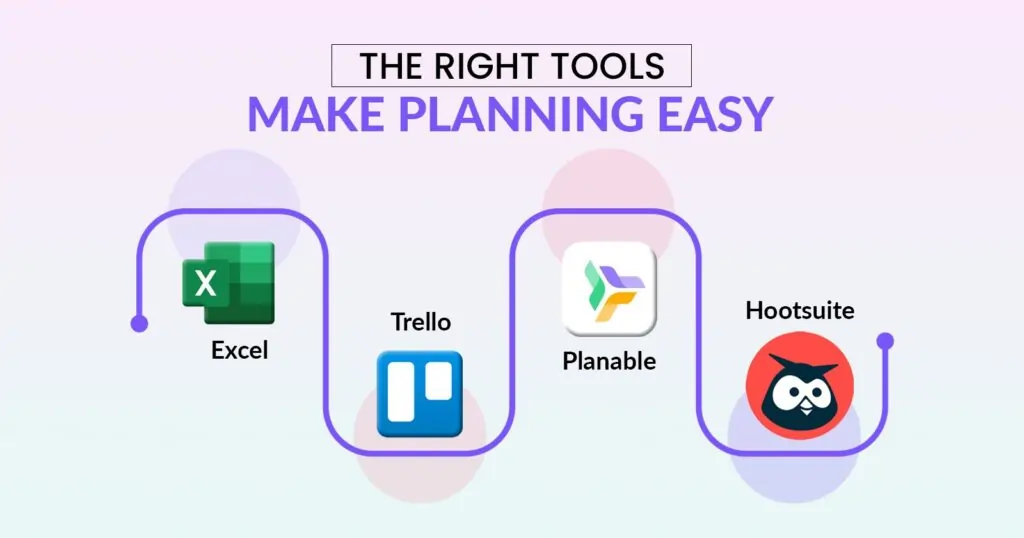
Your content calendar can be as simple or advanced as you like. Some prefer a basic spreadsheet, while others use project management tools or social media planners for scheduling and collaboration. Choose a tool that is easy for you and your team to use daily.
Here’s a comparison of popular tools people use to build their YouTube content calendars:
| Tool | Key Features | Typical Monthly Cost | Best For |
|---|---|---|---|
| Google Sheets or Excel | Simple, highly customizable; free templates. | Free | Solo creators or people doing everything themselves. |
| Trello | Visual boards, drag & drop task status, easy collaboration. | Free up to ~$10/user for premium features. | Small teams or creators who like visual workflows. |
| Planable | Collaboration, approvals, and calendar views across channels. | Starts from $33/workspace/month for the Basic paid plan. (help.planable.io) | Agencies or teams needing approval workflows. |
| Hootsuite | Scheduling across socials, analytics, content calendar, and team roles. | $99/month for Professional plan (annual billing), $149/month billed month-to-month. (OnlySocial) | Bigger teams or brands managing multiple social accounts. |
| AdaptlyPost | Schedules long-form videos, Shorts and premieres alongside every other social account, unlimited scheduled posts, bulk upload, AI captions and image studio. | $19/month (Creator) up to $89/month (Enterprise), 7-day free trial, no card | Creators and teams publishing to YouTube and other channels from one calendar. |
| FeedHive | AI-powered scheduling suggestions, multiple workspaces, and social inbox. | €19/month (Creator) up to €299/month (Agency). (feedhive.com) | Creators scaling up or managing multiple brands/projects. |
Note: Prices are approximate as of this update and may vary with promotions, annual billing discounts, or regional pricing. Always check the provider’s official site before making a purchase.
Using this table, you can decide which tool matches your budget, team size, and how much collaboration or flexibility you need.
Step 6: Build a Production Workflow That Keeps Every Upload on Schedule
A good content calendar is not just about dates and topics, it is also about people. Everyone involved in your YouTube process should know what part they play and how the work moves from one step to the next. Laying this out clearly saves time and avoids confusion.
Here are some common roles you might assign.
- Scriptwriter
- Editor
- Designer
- Publisher
- Social Manager
Now, let’s put this into action with a simple workflow example.
- The scriptwriter drafts the outline and shares it with the team.
- The editor reviews the footage, adds the final touches, and uploads the edited version.
- The designer steps in to create a thumbnail and any supporting visuals.
- The publisher schedules the video on YouTube and makes sure the title, tags, and description are in place.
- Finally, the social manager promotes the video across other platforms and engages with comments once it goes live.
Feedback and approvals can happen at each stage, but it’s best to keep the process clear and light. For example, you might decide that only one person gives the final approval to avoid delays. A simple checklist or shared board can help everyone see what stage a video is in and what comes next.
Step 7: Publish Strategically and Optimize Every Upload for Discovery
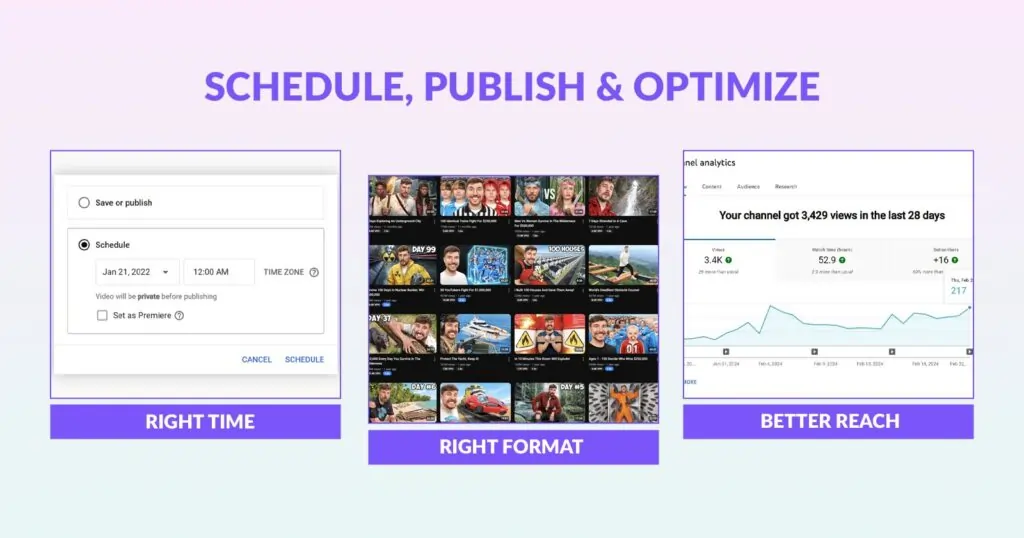
Figuring out when to publish is part art, part science. Selecting good times helps your video get in front of more people right when they’re ready to watch.
Here are a few things to keep in mind:
- Use data from studies to guide you. For example, a SproutSocial insight shows that 1 p.m. (local time) is a strong time to post most days, especially Monday through Thursday.
- Also, check reports like one from HubSpot that say posting between 6 and 9 p.m. or 12 to 3 p.m. tends to work well.
Next, think about how this changes depending on the format. Shorts can perform well when they’re published during high-traffic windows or times when people casually scroll. Long-form content often does better when people have more time – afternoons or evenings usually work.
Then there are optimization details that really matter:
- Thumbnails that promise something interesting and look good even at small sizes
- Calls-to-action: a timely ask to subscribe, comment, or check another video or playlist
- Metadata: titles, descriptions, tags filled out well so YouTube understands what the video is about and can serve it to the right viewers
Putting all this together, you get something like this: plan ahead, choose your format (Shorts or long format), upload at a time that matches when your audience is active, and make sure the elements around your video help it get discovered and appreciated.
Step 8: Analyze Performance and Let Data Drive Your Next 30 Days
Once your videos start rolling out, the real work begins, seeing what’s actually working. A content calendar isn’t something you set once and forget. It’s a living document that gets sharper every time you learn from the numbers.
YouTube Analytics is your best friend here. Open your dashboard and pay attention to a few key metrics:
- Click-through Rate (CTR): This metric indicates how many people clicked your video after viewing the thumbnail or title. If CTR is low, it may be time to test new thumbnail designs, tweak your titles, or try a different opening hook.
- Watch Time: This shows how long people are sticking around. Longer watch times signal that viewers are engaged, which also helps your video get recommended more often.
- Unique Viewers: This tells you how many different people are watching, giving you a clear sense of reach beyond repeat views.
Here’s an example. Let’s say you post a new tutorial and notice the CTR is strong, but the watch time drops halfway through. That tells you the thumbnail and title are working, but the content pacing might need improvement. You can use that insight to plan your next tutorial with tighter editing or a stronger hook in the middle.
On the other hand, if you notice vlogs are pulling in fewer unique viewers compared to Shorts, you might reduce the number of vlogs in your calendar and lean into formats that expand your reach.
If you want to go deeper, you can explore broader insights like those covered in our guide on Top Marketing Metrics to Track. Pairing YouTube Analytics with these benchmarks will help you see how video performance ties into your bigger marketing picture.
YouTube Content Calendar Template (Downloadable/Example)
Sometimes it helps to see what a working calendar actually looks like. A simple template can give you a clear picture of how ideas move from brainstorming to publishing. The goal isn’t to overcomplicate things but to keep everyone (or just yourself, if you’re a solo creator) on the same page.
Here’s an example of a weekly content calendar you could set up:
| Idea/Topic | Format | Script Deadline | Shoot Date | Editor Assigned | Upload Date | Status |
|---|---|---|---|---|---|---|
| Product Demo | Tutorial | 10-Sep | 12-Sep | Editor A | 14-Sep | Draft |
| Q&A Session | Live | 15-Sep | 18-Sep | Editor B | 20-Sep | Planned |
| Quick Tips | Shorts | 17-Sep | 18-Sep | Editor A | 19-Sep | Scheduled |
This is just one way to organize things. You can adjust the columns based on what matters most for your workflow, for example, adding a column for keywords, promotional notes, or target platforms if you repurpose content.
Optimizing Your YouTube Content Calendar for Growth
Creating a content calendar is a strong first step, but the real magic happens when you fine-tune it for growth. A calendar should be more than dates on a page, it should act like a strategy guide that helps you get the most from every video you publish.
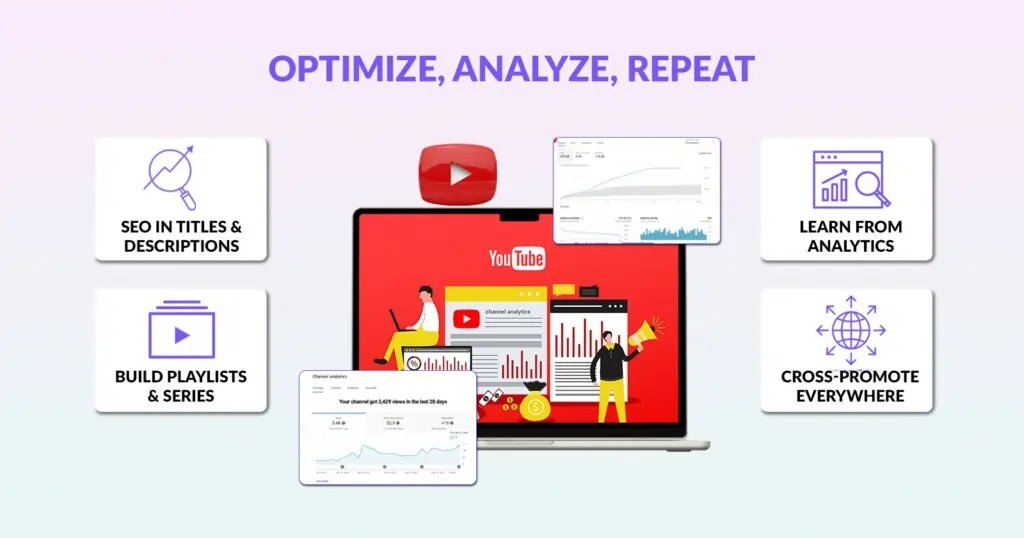
One way to do that is by thinking about YouTube SEO from the start. Simple things like weaving relevant keywords into your video titles, descriptions, and even hashtags can help your content show up in search and suggested feeds. The more discoverable your videos are, the easier it becomes to reach new viewers.
Your calendar should also be flexible enough to reflect what you’re learning from YouTube Analytics. For example, if you notice that tutorials consistently hold better watch time than vlogs, plan more tutorials in the upcoming weeks. Over time, this kind of data-driven planning helps you shape a content mix that keeps your audience engaged.
Another smart move is building playlists or mini-series around your strongest topics. Instead of one-off videos, connect them into a flow that encourages viewers to keep watching. This not only increases total watch time but also makes your channel feel more like a resource library.
Finally, think beyond YouTube itself. Your videos can gain more traction if you share them across social media, embed them into blog posts, or include them in your email campaigns. Adding these steps to your calendar ensures each video gets the visibility it deserves.
Mistakes That Are Actively Slowing Your YouTube Channel Growth
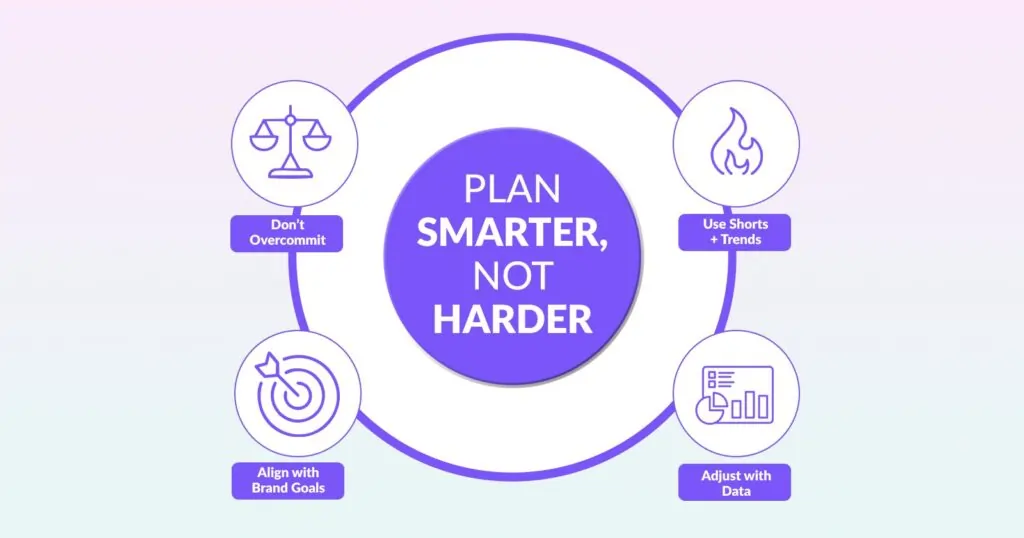
A content calendar is meant to make life easier, not harder. Still, many creators fall into the same traps that limit growth instead of supporting it. The good news is, once you know what to watch out for, these mistakes are easy to avoid.
Here are some of the most common downsides:
- Unrealistic schedules – Trying to post daily when you don’t have the resources can lead to burnout and lower-quality content.
- Overlooking Shorts and trending formats – Focusing only on long-form videos can mean missing out on quick wins and broader reach.
- Misaligned goals with your brand – If your calendar doesn’t support your bigger vision, whether that’s brand awareness, sales, or community building, it won’t deliver the results you want.
- Forgetting to update with performance insights – A calendar shouldn’t be static. Using YouTube Analytics to adjust your plan keeps your strategy relevant and effective.
By keeping these in mind, you’ll create a calendar that supports steady growth without overwhelming you or your team.
Why Growing YouTube Channels Are Choosing ShortVids Over Building In-House Production Teams
A content calendar without consistent professional execution behind it is just a document. The brands and creators generating real YouTube growth in 2026 aren’t just planning better, they’re producing better, faster, and more consistently than their competitors. That’s exactly the operational advantage ShortVids delivers.
While most businesses spend $4,000–$6,000 monthly trying to hire and manage in-house editors, ShortVids gives you a dedicated project manager and two skilled editors at a fraction of that cost, with faster turnaround, unlimited revisions, and zero management overhead. Your content calendar stays full, uploads stay consistent.
Your channel keeps growing without the operational chaos that derails most production workflows before they gain momentum.
The Jakib Sports Case Study: Real Channel Growth, Real Numbers
Jakib Sports came to ShortVids with a content strategy but a production bottleneck that was making consistent uploading impossible. Their team had strong ideas but couldn’t execute at the volume and quality YouTube’s algorithm rewards.
ShortVids took over their entire short-form video production workflow, handling editing, formatting, and platform optimization for every piece of content against their calendar schedule.
The result? 2M+ YouTube Shorts views in six months, driven entirely by consistent, platform-optimized production that kept their calendar running without a single missed upload window.
That’s not a content strategy win. That’s an execution win. And execution is exactly what ShortVids is built to deliver for every client whose growth depends on showing up consistently with content that actually performs.
Your Takeaway!
A content calendar builds the plan. ShortVids executes it. The creators winning on YouTube in 2026 aren’t just more organized, they’re better supported. Inconsistent uploading is silently killing channels that could be growing, and the fix isn’t more motivation. It’s a better production system. Stop letting execution gaps cost you the audience you’ve already earned. Call ShortVids Now, Your YouTube Growth Starts Here!
Frequently Asked Questions
Most channels see measurable improvement in consistency and algorithmic support within the first 30 days of running a structured calendar. The compounding effect builds over 60–90 days as the algorithm recognizes regular upload patterns and begins recommending content more aggressively. ShortVids helps clients implement this system immediately, without the trial-and-error period that slows most channels down.
The right frequency is the one you can sustain at high quality, not the most ambitious schedule you can imagine. One well-optimized long-form video per week supported by 2–3 Shorts consistently outperforms daily uploads that sacrifice quality for volume. ShortVids keeps clients at their optimal posting cadence by removing the production bottleneck that forces most channels to choose between quality and consistency.
Google Sheets works for solo creators. Trello and Asana suit small teams. Planable and Hootsuite serve agencies and larger brands with approval workflows. But for brands that want their entire production pipeline managed professionally, without stitching together multiple tools, ShortVids handles scheduling, editing, optimization, and delivery as a complete done-for-you service.
Map every video directly to a business objective, product launches, lead generation, audience growth, or sales enablement. Then track metrics that predict revenue: watch time, CTR, saves, and subscriber conversion rate. ShortVids works with clients to build calendars that connect content directly to commercial outcomes, not just vanity metrics that look good but don’t convert.
This is the most common growth killer for YouTube channels and it’s exactly the problem ShortVids solves. With 24–48 hour turnaround, unlimited revisions, and a dedicated editing team, ShortVids ensures your calendar never falls behind because of production delays. Your strategy stays intact. Your posting schedule stays consistent. Your channel keeps growing.
Yes. ShortVids operates as a full production partner, handling editing, thumbnail creation, optimization guidance, content repurposing, and consistent delivery against your content calendar. Clients like Jakib Sports generated 2M+ YouTube Shorts views in six months with ShortVids managing their production workflow. That’s what professional execution behind a strong content calendar actually delivers.
Book a Call Today
- Fixed monthly plans starting at $999
- 24-hour turnaround time (or less) on all short-form edits
- 3-layer quality check system on every video
- No more chasing freelancers or managing editors
- Scale up to 50+ videos/month without hiring in-house
- Content team trained on platform trends, scroll-stopping hooks & storytelling
- Fully managed by professionals – you just upload & approve
- Response time: Under 1 hour (US & GCC time zones)
Cut your production costs, not your standards.